Consultation booking in a law firm: what changes in the team's day
How booking consultations from the firm's own page changes the day for reception, lawyers and the managing partner: complete requests, no clashes with hearings, and confirmations and reminders for the client.
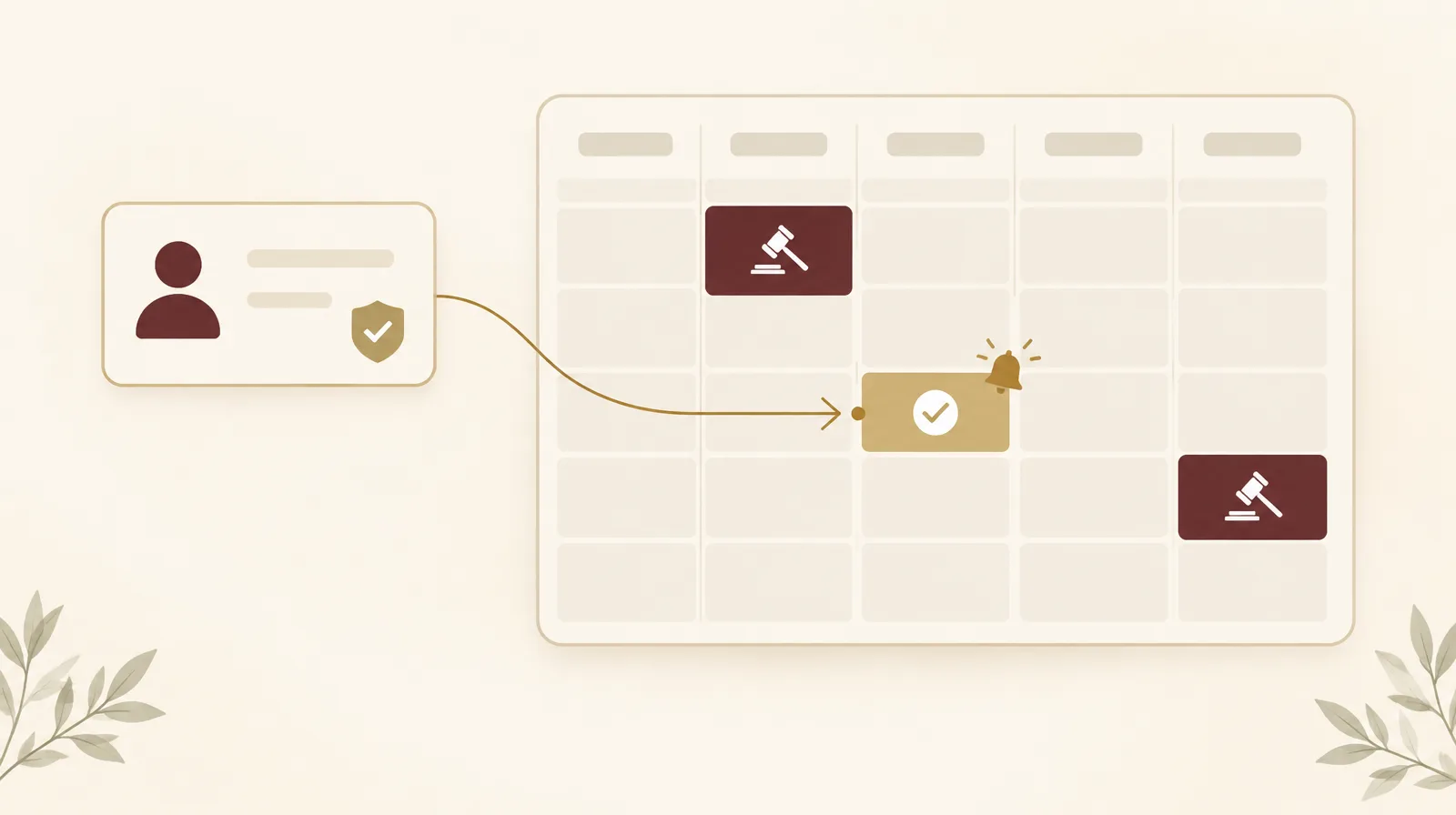
It is ten in the morning at a mid-size law firm in Riyadh. Three of its six lawyers are in court, and the receptionist is taking the third call in fifteen minutes from someone who wants a consultation as soon as possible. She writes the name and number on a note and promises to call back once she has asked the lawyer. The lawyer is in a courtroom with the phone on silent. When he comes out at noon, he finds two WhatsApp messages and a missed call, and he cannot tell which request came first.
This scene repeats in many firms; here it is an example, not the story of one client. What follows is how it changes when consultation booking moves from the phone to the bookings module in Jlsa.
Where booking a consultation breaks down
A request often arrives while the lawyer is in a hearing and reception is busy, so the caller tries another firm. When it does reach someone, it is usually just a name and a number, with no description of the matter or the other party's name, so the firm needs a second call before it can set a time.
The receptionist knows the office hours but cannot always see the lawyers' hearings. She may book an eleven o'clock consultation for a lawyer whose 9:30 hearing has no known end, and the client ends up waiting in reception or getting a last-minute apology. A time agreed on the phone is rarely followed by a written confirmation or a reminder, so some clients forget the meeting and others turn up at the wrong branch.
The request starts on the firm's page
A firm that turns on the bookings module gets a public booking page with its own name and logo, in Arabic and English. The client picks a meeting type, such as a first consultation, then the place (at the office, elsewhere, or online), then a day and a time from the free slots only.
Before sending the request, the client confirms an email address or mobile number with a one-time code and answers a few short questions the firm sets, such as a description of the matter and the other party's name. Reception receives a request with working contact details and enough information to route it to the right lawyer, without another call.
The page takes requests in the evening and on Fridays just as it does during office hours. Someone looking for a lawyer at eleven at night leaves a request, and the team finds it at the top of the list in the morning.
Approval stays with the firm
A request from the public page does not become a confirmed meeting on its own. It waits until a staff member with approval rights reviews it. That person can accept it as it is, or change the time, place or assigned lawyer first. If they decline it, they write the reason and can include a link to book another time.
This review gives the firm a chance to assess the matter before it commits a lawyer's time, since the matter may fall outside its practice or need a particular lawyer.
Lawyers' free times respect their hearings
Jlsa builds the free times from the firm's working hours and days off, including Ramadan hours. It then removes the lawyer's hearings in the firm's cases, with time before each hearing to reach the court and time after it. The client never sees a time when the lawyer is in court or on the way there, and a postponed or cancelled hearing blocks nothing.
This depends on hearing dates being entered in the case file as they arrive, a habit covered in hearing dates between Najiz and the two calendars. When a case is private, Jlsa still blocks the hearing time but hides its details from anyone without access to the case.
When the firm proposes the times
Not every client needs the public page. It may be an existing client who needs a meeting to review a brief, or someone who spoke to the firm by phone and agreed on a consultation. Here a staff member sends an invitation with a private link. The invitation can let the client choose any free time, or offer between two and five times the firm picks.
The proposed times stay held for the lawyer until the client picks one or the link expires, so no other booking takes them in the meantime. Once the client picks a time, the booking is confirmed at once and the other times are released. If none of them suits, the client asks for other times from the same link, with a short note that reaches the team. The chain of messages that starts with "does Tuesday work for you?" goes away.
The client knows when and where to come
After approval, the client receives a confirmation email with a file that adds the meeting to their phone's calendar, plus a map link to the office when the meeting is there. A reminder follows one day before, and another one hour before. If the firm moves the meeting, the client gets a new confirmation with the new time.
With the request, the client also gets a link to follow the booking and to cancel it, if the firm allows cancellation up to a cut-off it sets. An early cancellation is better for the firm than a no-show, because the time goes back on offer for another client.
What changed in the team's day
Assume the receptionist at the firm this article started with spends about two hours a day arranging consultations by phone and message. With bookings switched on, her work becomes reviewing complete requests, and the count of pending requests sits next to Bookings in the menu, so no request waits unseen until noon.
The lawyer no longer finds a consultation booked on top of a hearing. He gets a notification when a meeting is assigned to him or moved, and he sees his bookings in one place instead of in scattered messages on his phone.
The managing partner decides which lawyers take bookings, which meeting types exist, and how long each lasts. They can see where each booking came from: the public page, an invitation, or staff entry. After each meeting the team records whether the client attended, so within two months the firm knows which meeting types have the most no-shows. For a firm of this size, no-shows at consultations can be expected to fall by about half, because every client gets the time in writing and two reminders before it.
Limits worth knowing
Clients do not pay the consultation fee on the booking page; the firm stores a price on the meeting type for reference only. Clients cannot move a meeting themselves; they ask the firm, and a staff member moves it. Text messages need an SMS provider the firm contracts with, while email works without extra setup.
Before you switch bookings on
Start with one question for the team: how many consultation requests came in last week, and how many became meetings? If nobody knows, the requests are passing through individual phones and not through the firm's records. Then decide which meeting types clients may book themselves, and which lawyers will take them.
The bookings module is part of the Professional and Enterprise plans of Jlsa. The article on the case file in a law firm covers how the client's file grows once they become a client of record.